.jpg)
.jpg)
.png)
.png)

Download Smallpdf – Free Online PDF Editing Tool for Windows, Mac, Android & iOS
Overview
Smallpdf is a powerful browser‑based PDF editor that brings a full suite of productivity tools right to your favorite web browser. Developed by Smallpdf GmbH, the extension eliminates the need for bulky desktop applications by letting you convert, merge, split, rotate, extract, and even sign PDFs without leaving the browser. Whether you’re a student juggling lecture notes, a professional handling contracts, or anyone who simply needs a quick way to tweak a PDF, Smallpdf offers a secure, fast, and user‑friendly solution. The tool runs on any modern browser, synchronises with cloud storage services, and respects privacy by using SSL encryption for all file transfers. Because it’s a web‑based add‑on, updates are delivered automatically, keeping the feature set fresh without any manual downloads.
Core Features & What Sets Smallpdf Apart
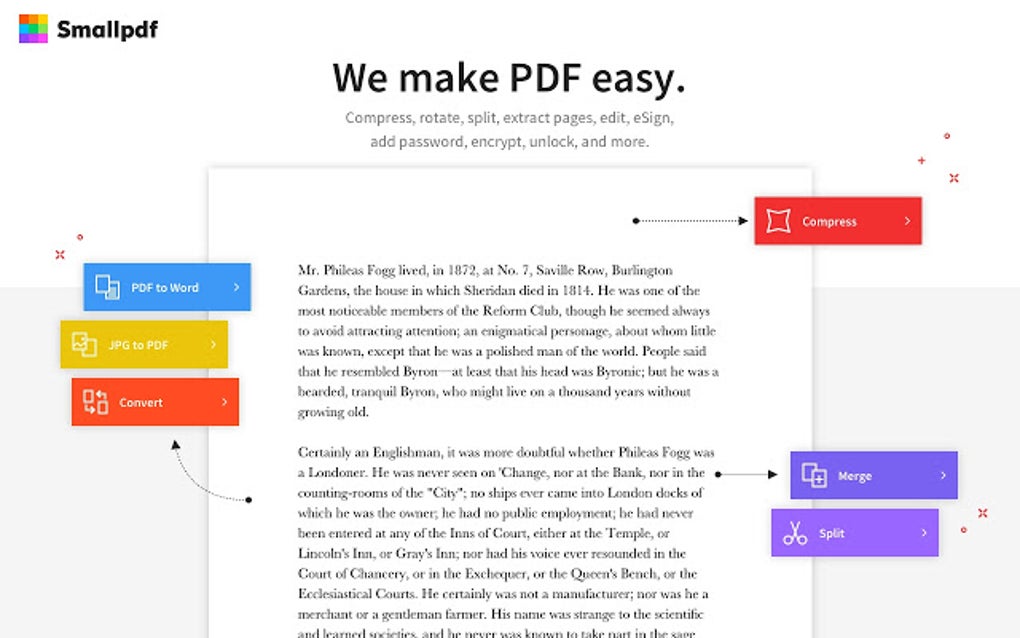
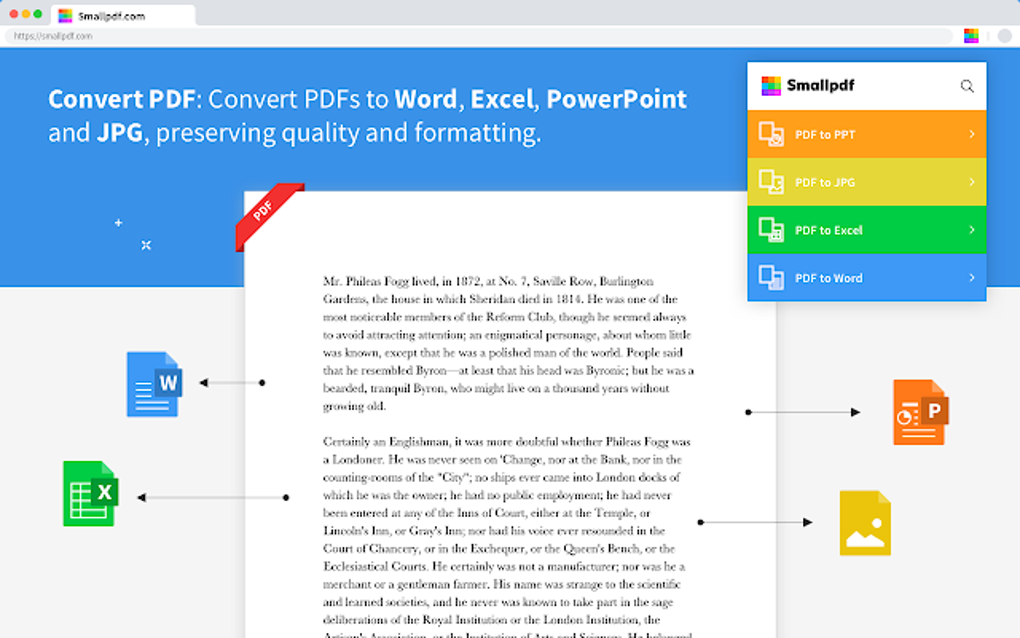
- Convert PDFs – Transform PDFs to Word, Excel, PowerPoint, JPG, and back again with just a few clicks.
- Merge & Split – Combine multiple documents into one PDF or split a large file into separate pages instantly.
- Compress & Optimize – Reduce file size while preserving quality, perfect for email attachments.
- Edit Text & Images – Add, delete, or modify text and images directly inside the PDF.
- Rotate, Delete & Extract Pages – Re‑order pages, remove unwanted sections, or extract specific pages into a new file.
- Secure & Sign – Apply password protection, redact sensitive information, and add electronic signatures.
- Cloud Integration – Seamlessly connect with Google Drive, Dropbox, and OneDrive for easy file access.
- Batch Processing – Handle multiple files at once, saving time on repetitive tasks.
- Unlimited History – Access previously edited PDFs for up to 30 days.
Why Smallpdf Beats Traditional Desktop Editors
Traditional desktop PDF editors often require costly licenses, regular manual updates, and significant system resources. Smallpdf sidesteps these drawbacks by operating entirely in the cloud, meaning you can work from any device with an internet connection. The interface is intentionally minimalist: each tool is represented by an intuitive icon, and the workflow guides you step‑by‑step, reducing the learning curve. Moreover, Smallpdf’s security model encrypts files during upload and deletion, ensuring that sensitive documents never linger on a local hard drive. For teams, the collaboration features allow you to share a secure link rather than sending large attachments, streamlining feedback loops.
Installation, Usage & Compatibility
Getting Smallpdf up and running is as simple as a few clicks. Follow these steps to start editing PDFs instantly:
- Visit the Chrome Web Store (or the equivalent store for Edge, Firefox, or Safari) and search for “Smallpdf”.
- Click “Add to Browser” and confirm the permissions request. The extension will appear as a small icon near your address bar.
- Pin the icon for quick access, then click it to launch the Smallpdf dashboard.
- Drag and drop a PDF file onto the dashboard or click “Choose File” to browse your computer.
- Select the desired tool (e.g., Merge, Compress, Sign) and follow the on‑screen prompts. All changes are processed in the cloud, and the edited file is ready for download within seconds.
Smallpdf is built to be cross‑platform:
- Windows 10/11 – Works in Chrome, Edge, and Firefox.
- macOS 12+ – Fully functional in Safari, Chrome, and Firefox.
- Android 8+ – Available as a mobile-friendly web app; no separate download required.
- iOS 13+ – Optimised for Safari and Chrome on iPhone/iPad.
Because the tool is browser‑based, it automatically receives the latest features and security patches without any user intervention. If you prefer a desktop‑like experience, Smallpdf also offers a lightweight Windows and macOS client that mirrors the online functionality while providing offline caching for occasional use.
Pros & Cons – A Balanced Review
Pros
- Completely free for most basic tasks; premium plan is optional.
- No installation of heavy software; works directly in the browser.
- Fast processing thanks to cloud infrastructure.
- Strong security with SSL encryption and optional password protection.
- Wide range of tools covering almost every PDF need.
- Integrates with major cloud storage services.
- User‑friendly UI that requires virtually no training.
Cons
- Large files (>100 MB) may experience slower upload times depending on connection.
- Advanced editing (e.g., full‑scale PDF form creation) is limited compared to premium desktop suites.
- Reliance on internet connectivity; offline mode is only available through the desktop client.
- Free tier imposes a daily limit on the number of processed files.
- Some privacy‑concerned users may prefer a locally installed solution.
Frequently Asked Questions
Is Smallpdf really free?
Yes, the core tools—compress, merge, split, convert, and basic editing—are free for unlimited use. A premium subscription unlocks higher file size limits, batch processing, and additional security features.
Do my files get stored on Smallpdf’s servers?
Files are uploaded securely via SSL, processed in memory, and automatically deleted from the server after one hour. The service complies with GDPR and other data‑privacy regulations.
Can I edit scanned PDFs?
Smallpdf includes an OCR (Optical Character Recognition) feature in its premium plan, which converts scanned images into editable text. The free version only allows basic image extraction.
Is there a limit to how many pages I can process?
For free users, each individual operation (e.g., merge, split) is limited to 20 pages per file. Premium subscribers enjoy up to 200 pages per operation, and the desktop client removes most limits.
How does Smallpdf compare to Adobe Acrobat?
Adobe Acrobat offers a broader suite of advanced PDF features, such as detailed form creation and enterprise‑level security. Smallpdf focuses on speed, simplicity, and affordability, making it ideal for everyday tasks without the steep learning curve or subscription cost.
Conclusion & Call to Action
Smallpdf delivers a compelling blend of convenience, security, and functionality that makes PDF editing a breeze for both casual users and professionals. Its browser‑first approach eliminates the hassle of downloading bulky software, while the free tier covers most everyday needs. If you frequently work with PDFs and value a fast, secure, and cross‑platform solution, Smallpdf is definitely worth a try. For power users who need higher limits and OCR capabilities, upgrading to the premium plan unlocks a richer experience without breaking the bank.
Ready to streamline your PDF workflow? Download Smallpdf now and start editing, converting, and securing your documents instantly—no installation required.







